Teardown: Keuby Android Smart TV Box
The Keuby Ice 0515: a Cheap, Craponium Box Like You Wouldn't Believe
I found this media box at the thrift store for $5 and it intrigued me. I know what BOM costs are like for small, media-capable Linux/Android devices, and they are no $5, let me tell you! Before I purchased it, I made sure to search online for what details I could find. You know you've got a no-name device when the most information out there was from an EBay listing. Oh my. Well, apparently it runs Android 5 of some flavor. Oh my again!
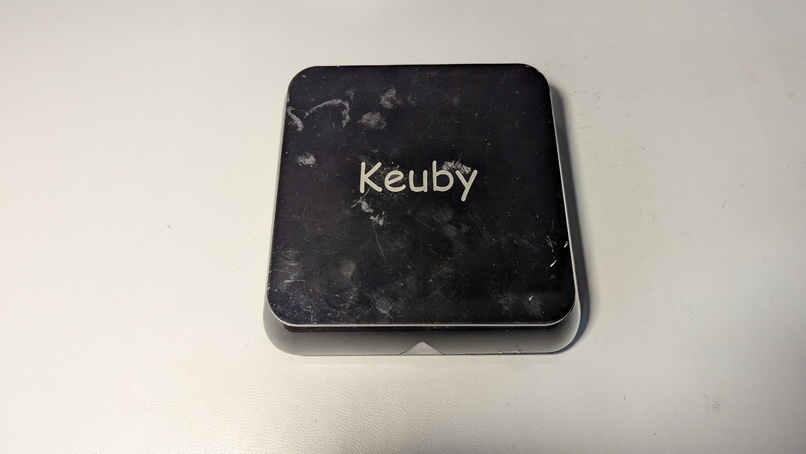
Here's what it looks like. Forgive me for not cleaning off the case first. After all, I didn't know if I was going to end up tossing this in the trash or not.
And the bottom:
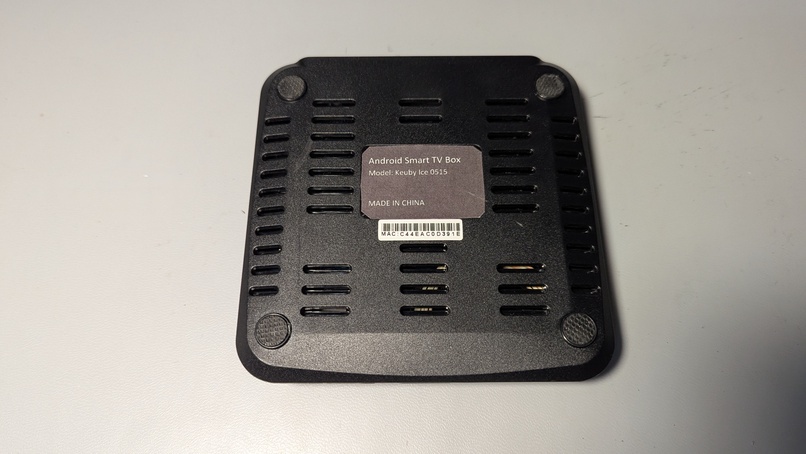
Besides the lack of the usual regulatory stamps of approval (no FCC, CE, or ETL markings, or even power specs. Nothing), this seems like a pretty cool little piece of hardware. There's an HDMI port, two USB type A ports (not 3.0, but possibly 2.0 or lower), an Ethernet port, a 3.5 mm audio jack, an optical audio port, and a garden-variety barrel jack for power.
Since there are no input power specs, I hooked it up to a power supply and a monitor and cranked up the voltage until I saw signs of life. I suspected this guy would take about 12 V, since that's pretty common with this class of device, in my experience. But, you never know. I started at 3.3 V and slowly increased the power while watching the monitor. I got all the way to 12 V before I noticed something.
Yep, around 12 V the Keuby started drawing around 50 mA.
But there was no output signal on the HDMI port. And I noticed that as I increased the voltage, the current draw went up.
That would lead me to think that maybe it does need more juice. Most voltage regulators will increase current draw as the supplied voltage goes down, not the other way around. But it's just weird enough that I'd kind of like to open it up and see what's going on.
Popping off the four rubber feet revealed four comically tiny screws, which showed me two things. The first thing was that every possible measure was taken to cut costs on this device. Those screws were the tiniest screws they could get away with, and their mount points were these weak little spindly things; I doubted if they would handle a mere dozen screw removal/insertion cycles.
The second thing it showed me was the interior:
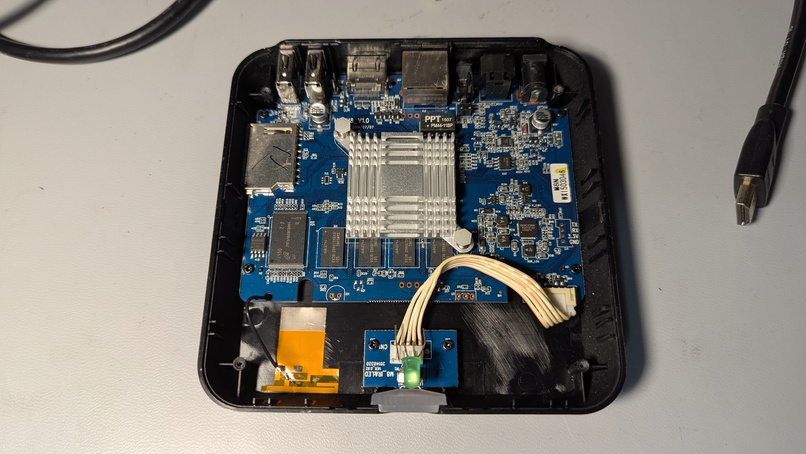
An astute observer will notice that there is not a lot of power circuitry there at all. I looked up the two most suspicious looking chips by that barrel plug and they both had to do with audio, not power. No heatsinks for MOSFETs or voltage regulators. Between that and the cheapness of the screws situation, I had to conclude that this guy was designed with exactly the right voltage of power supply in mind. So we definitely weren't looking at higher than 12 V. In fact, this board most likely took 5 V of input. But I had already passed by 5 V and nothing had happened. Had I missed something?
Turns out I had.
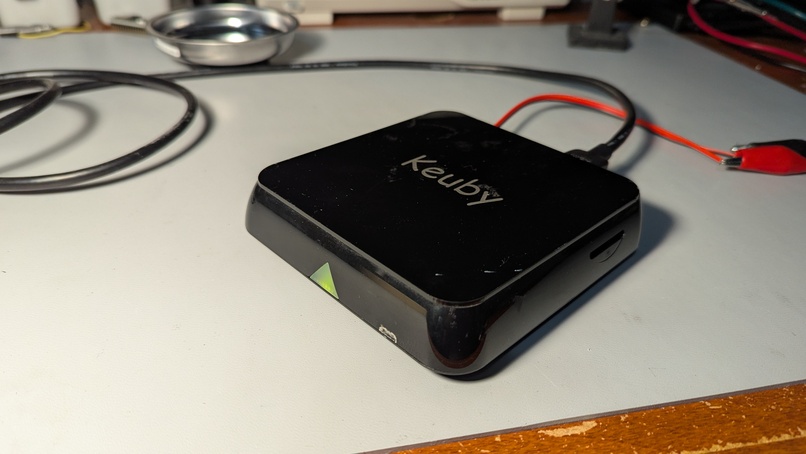
There is a power indicator LED on the front of the box. I only noticed it turned on when I reached 12 V and saw some current draw. I was watching the monitor the Keuby was plugged into the whole time. So I tried out 5V and saw that we drew even more power, around 300-500 mA. And the light turned on! Hooray for overvoltage protections!
Seems like maybe there was a Zener diode or something protecting us from too high of input voltage and that's why the current draw went up once I got to 12 V.
Well, in any case, we booted, which means I likely didn't cook the board with that 12 V input. I sat back and let the Keuby digest that 5 V for a few seconds.
And just like that, I had a boot screen!
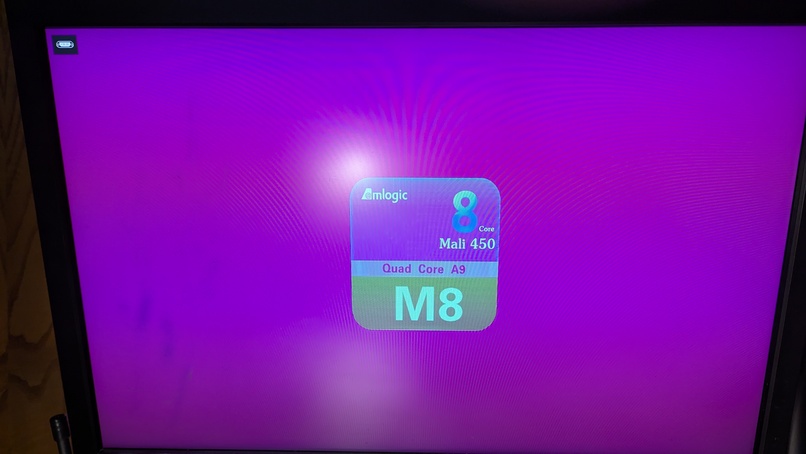
The "Mali 450" Refers to the GPU, which apparently has 8 shader cores on this SOC. The Quad Core A9, of course, refers to the family of ARM CPU in the SOC. So this is a pretty capable little piece of hardware, especially for $5. I mean, it's probably super old, but I don't mind that either.
Next, it booted some more and dummped me into a setup screen.
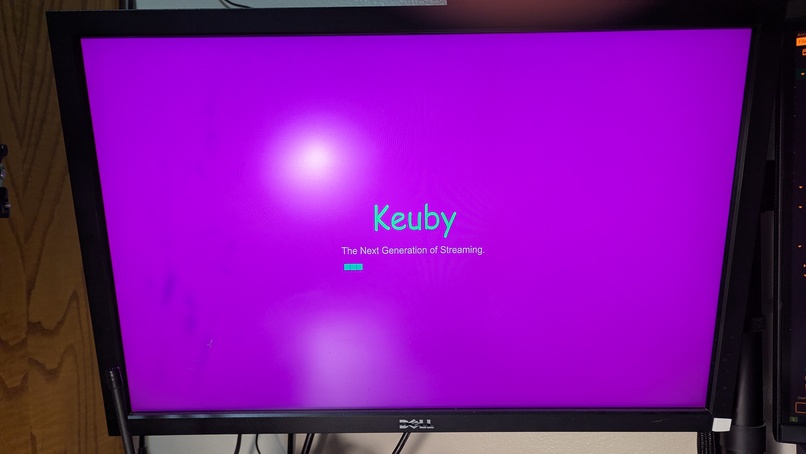
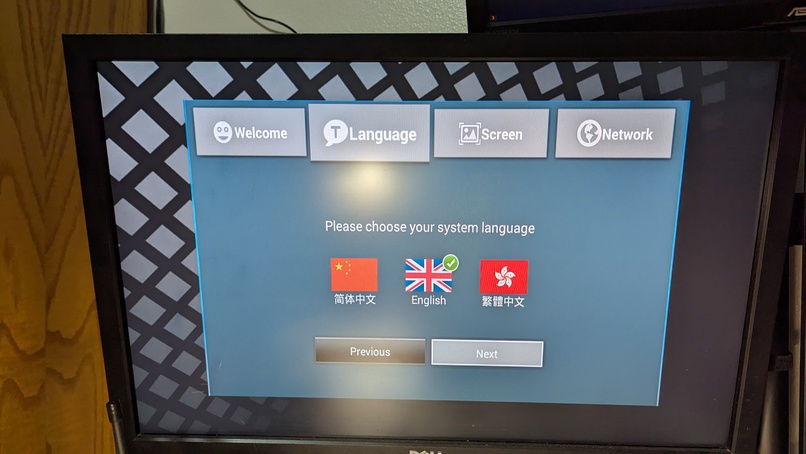
Did the original owner remember to factory reset before donating this? More likely it sat in a box for years and years until its flash chip just gave up storing data. This can happen if a device is not powered on the order of years. In any case, we're starting from scratch.
Either way, I poked around a little and found a... fully functional Android 5 system. Hey presto!
Yeah, there is no way I'm connecting this thing to my home network right now. Maybe I'll set up some sort of sandbox later. But for now, let's see what it can do!
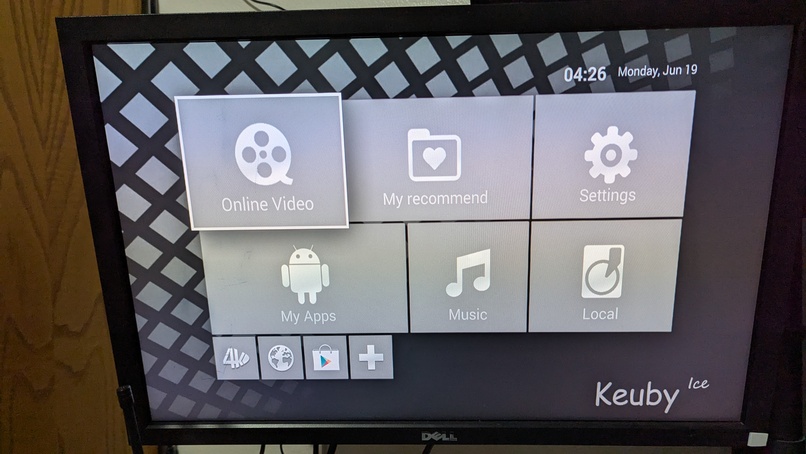
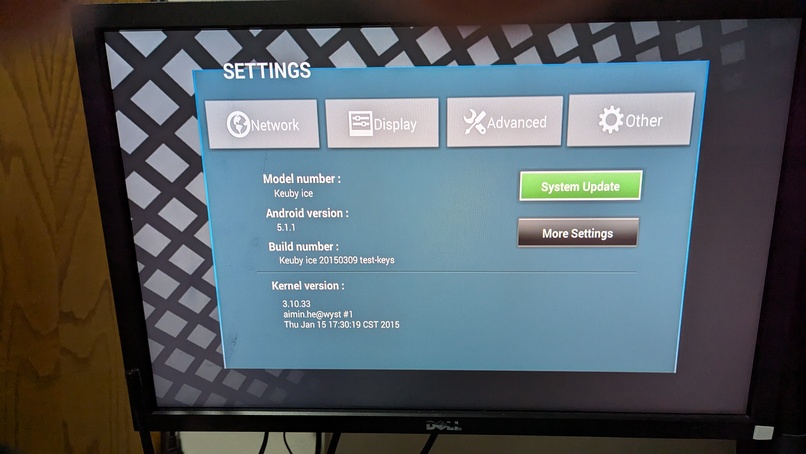
Alright, this is too fun. It's booted Android 5.1.1, with Linux kernel 3.10.33. My gosh, that's old. And yep, the build number would suggest this was built in 2015. Holy cow, that was ten years ago. Man, it won't be hard to get root on this even if I have to exploit something. Plenty of high-severity CVEs for Linux and Android have come out in the last ten years, I assure you. And I haven't even tried the serial port headers that are so helpfully placed on the main board.
What to do with this machine?
As what I can only guess was one of its primary raisons d'être, it runs Kodi. Or, at least, v 14.0, which, you know, is 10 years old now, but who's counting?
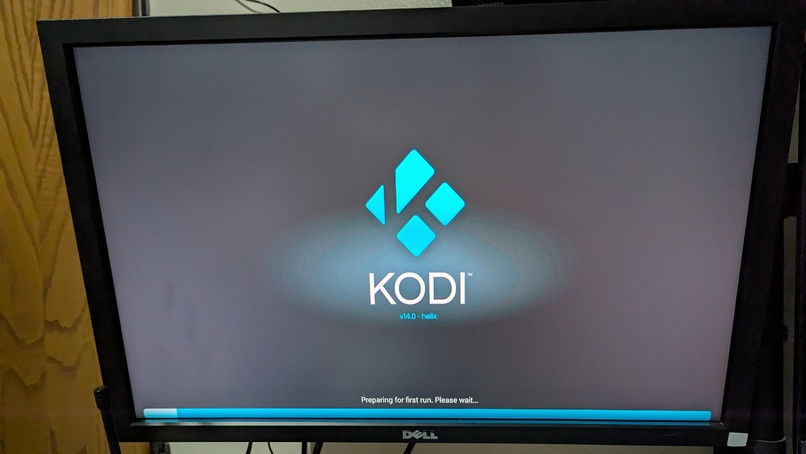
I'm really tempted to set up a sandbox network and let this guy update... Provided there's anywhere still left to update from. The fact that I couldn't find a website with any info on it does not bode well.
At the same time, though, I think I'm going to move on. This was fun, and maybe I'll think of something to do with it. I'm glad to know it actually works. Perhaps I'll load up a movie or something on an SD card and see how it handles that.